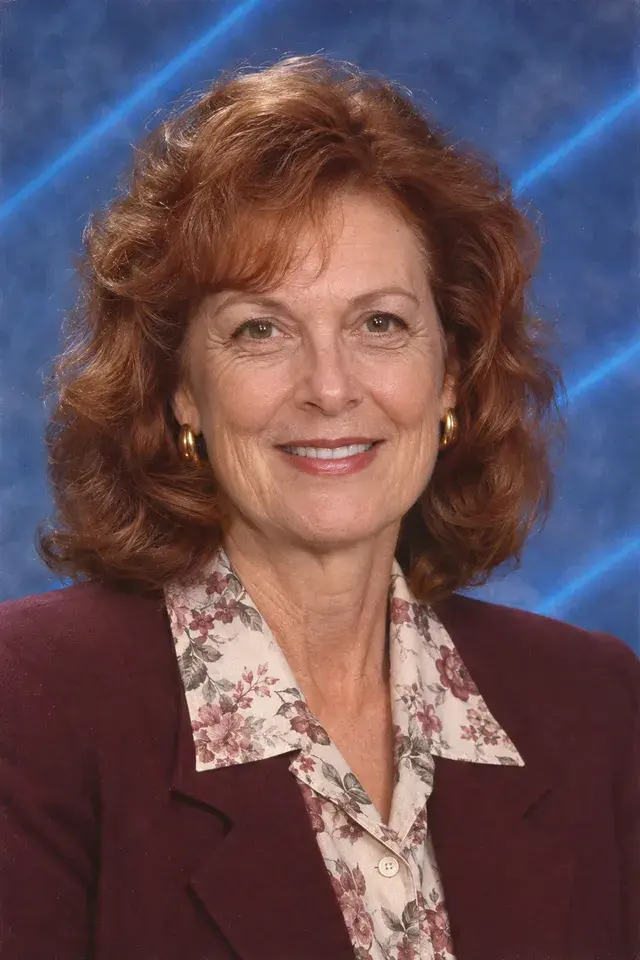
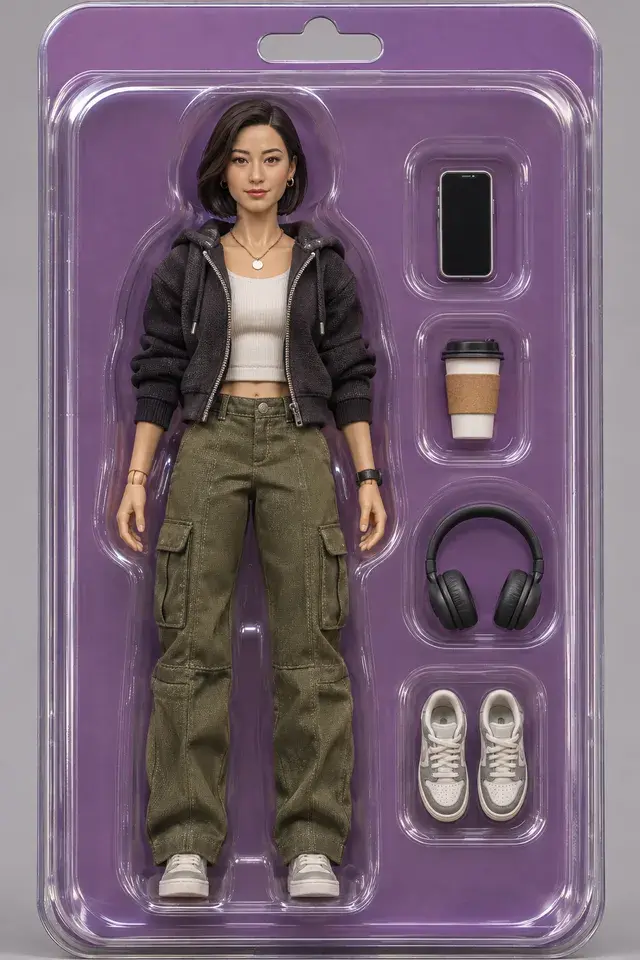
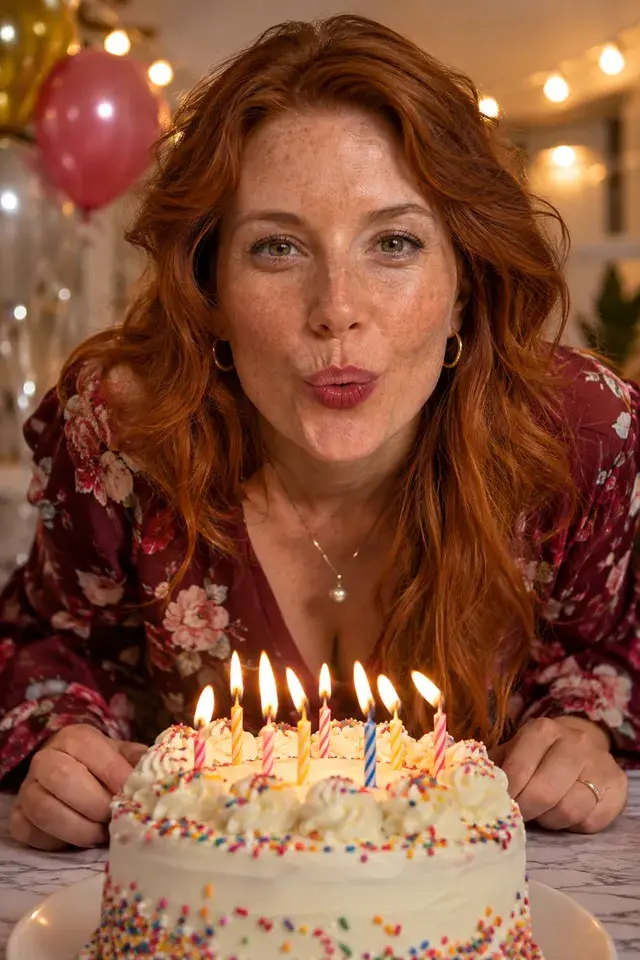
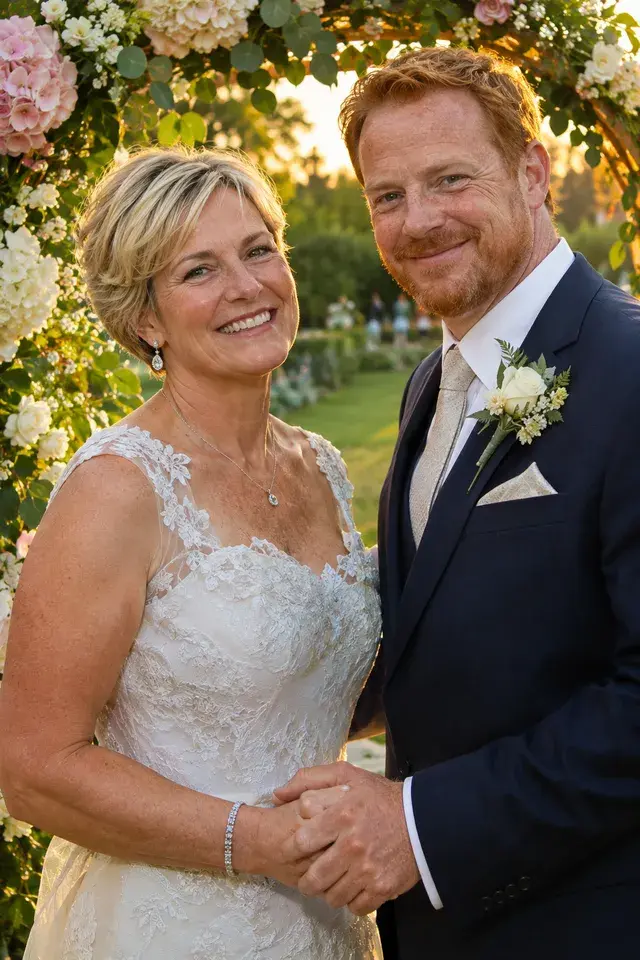
Your Christmas card photo, sorted
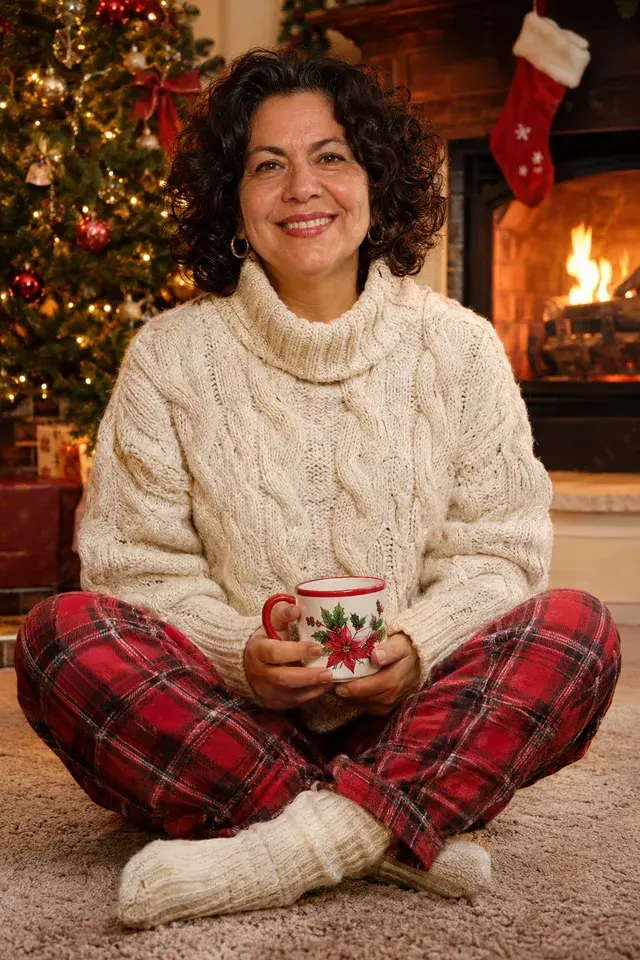
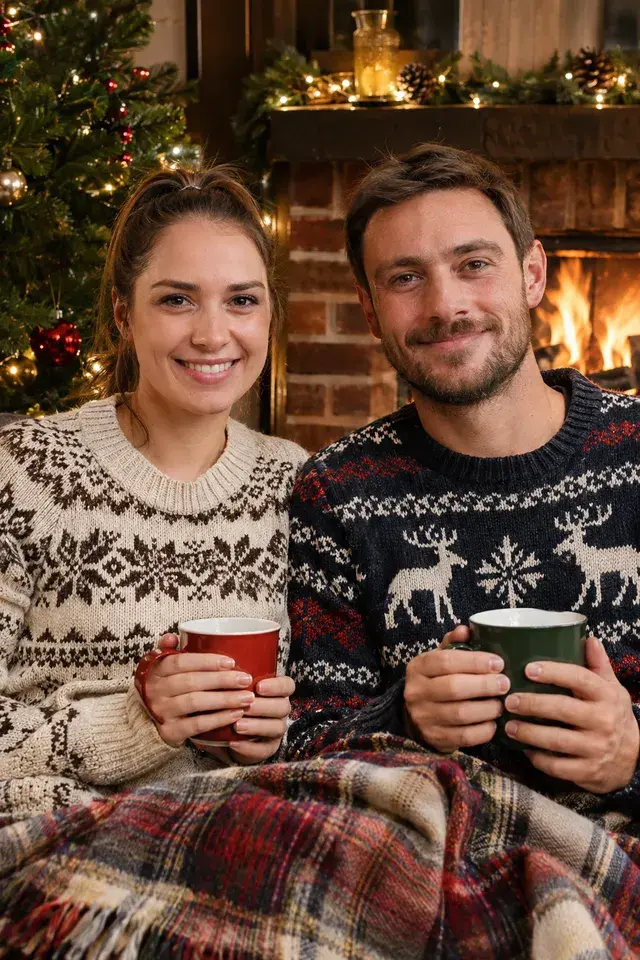
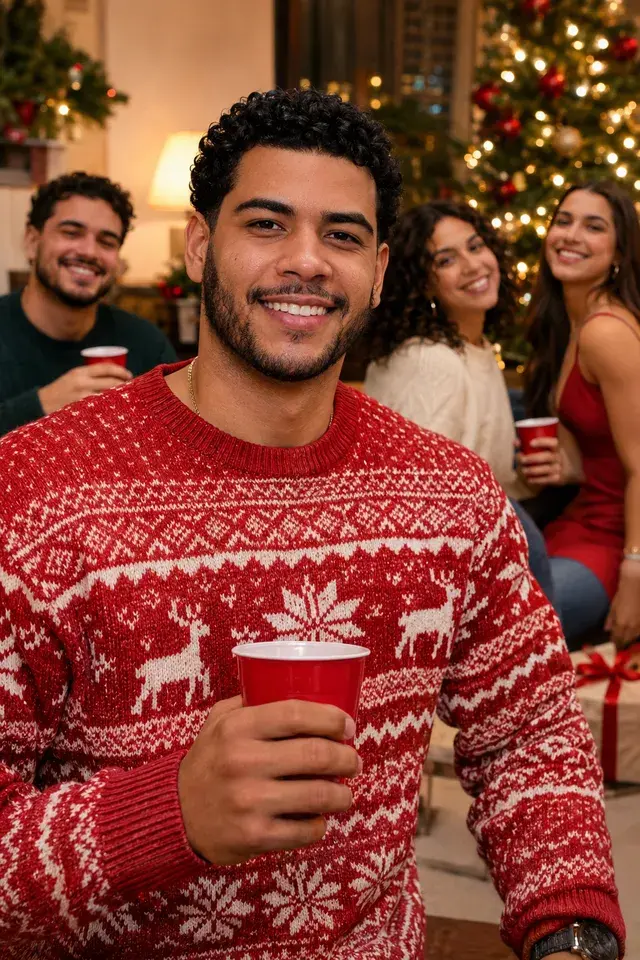
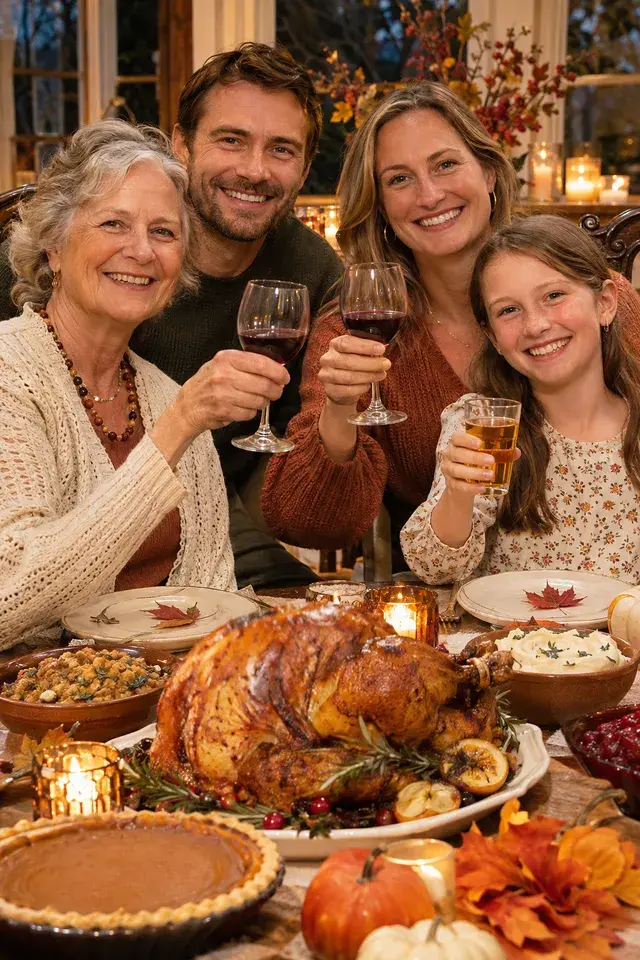
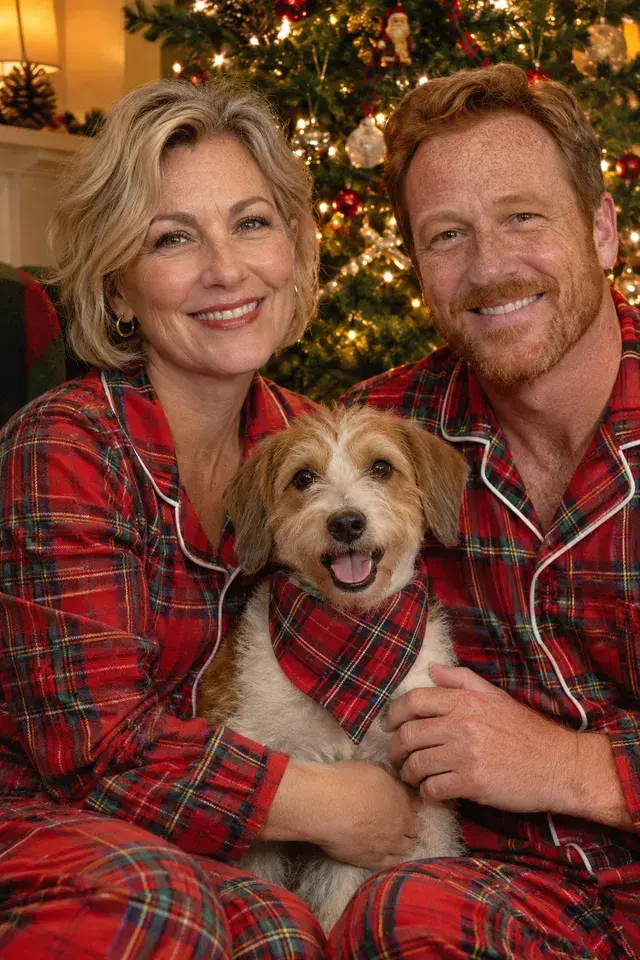
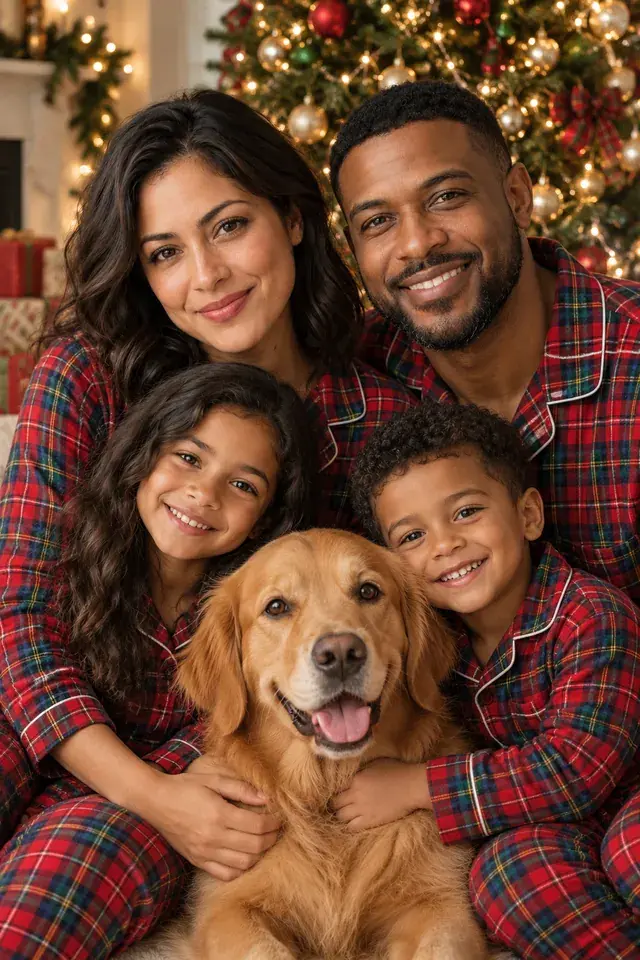
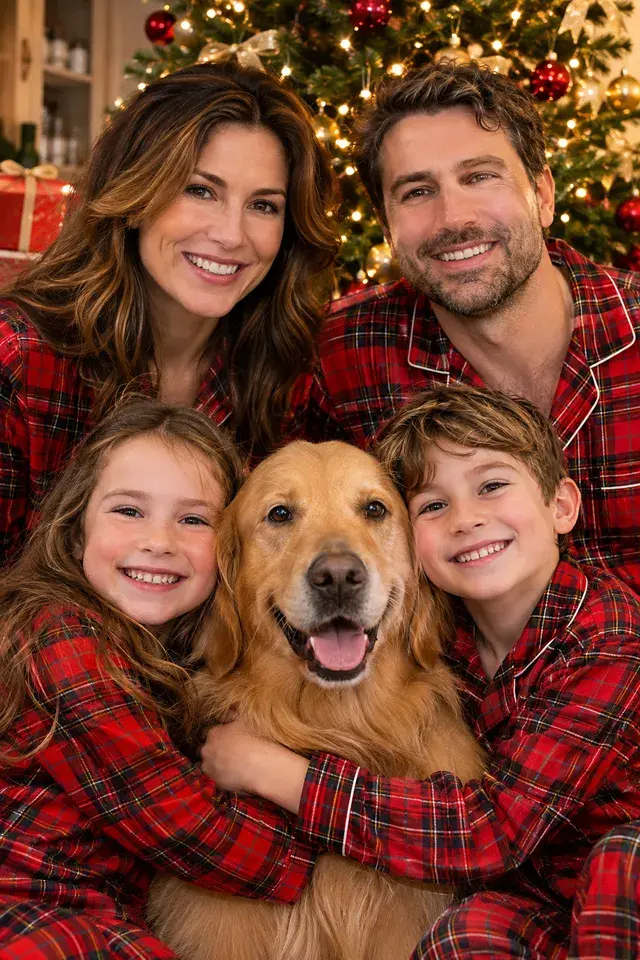
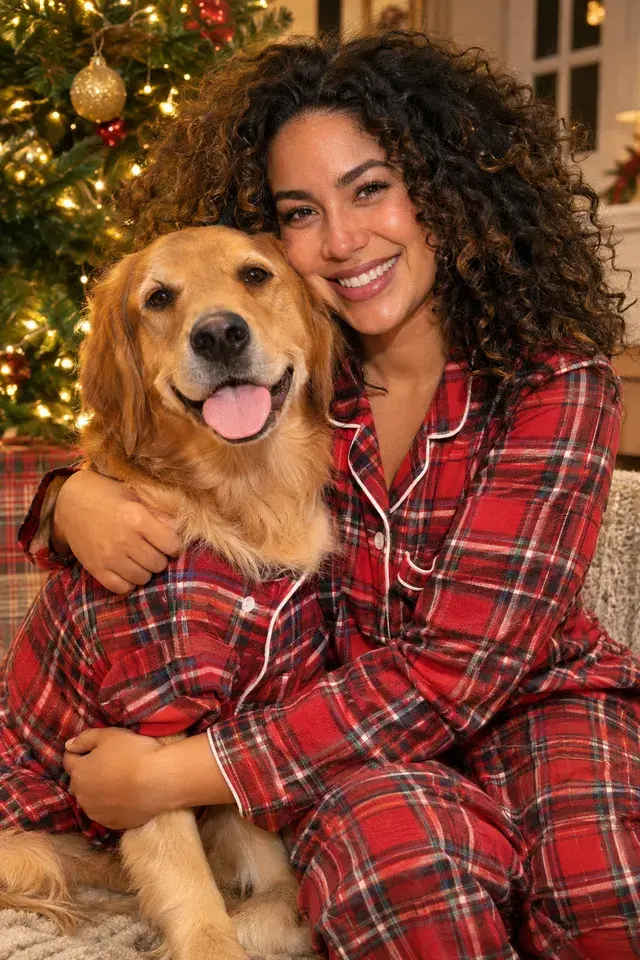
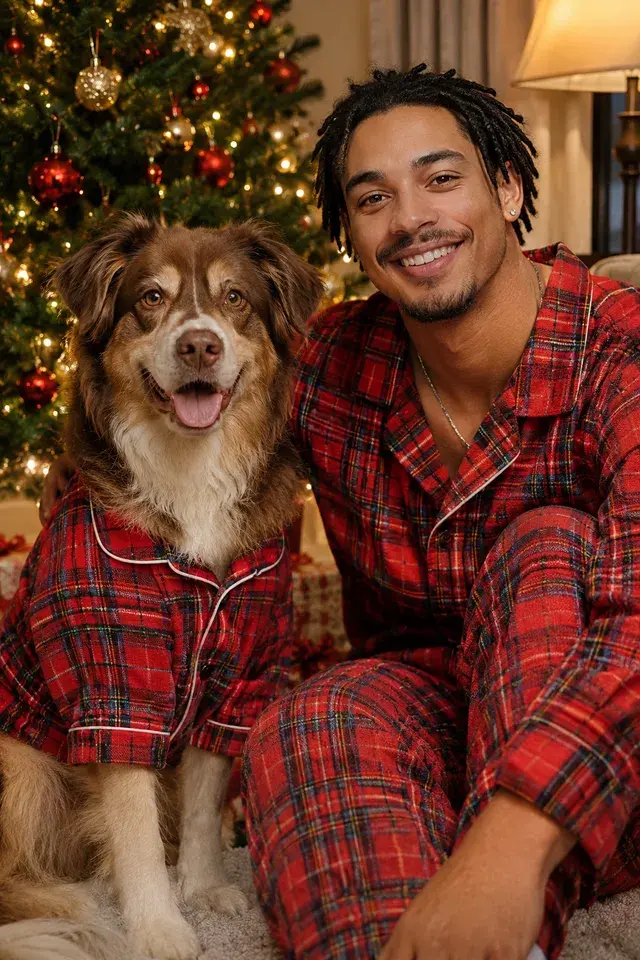
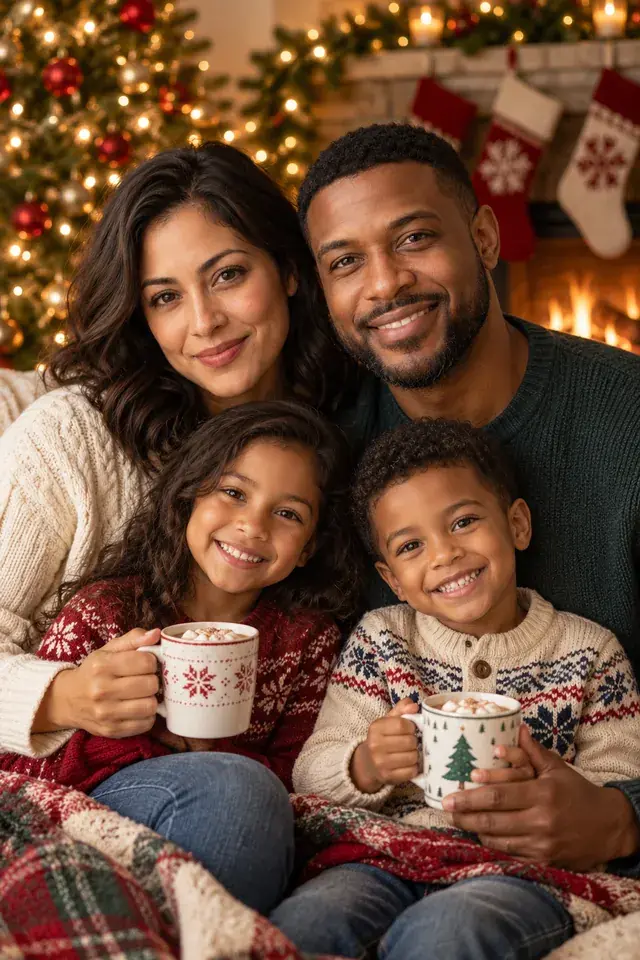
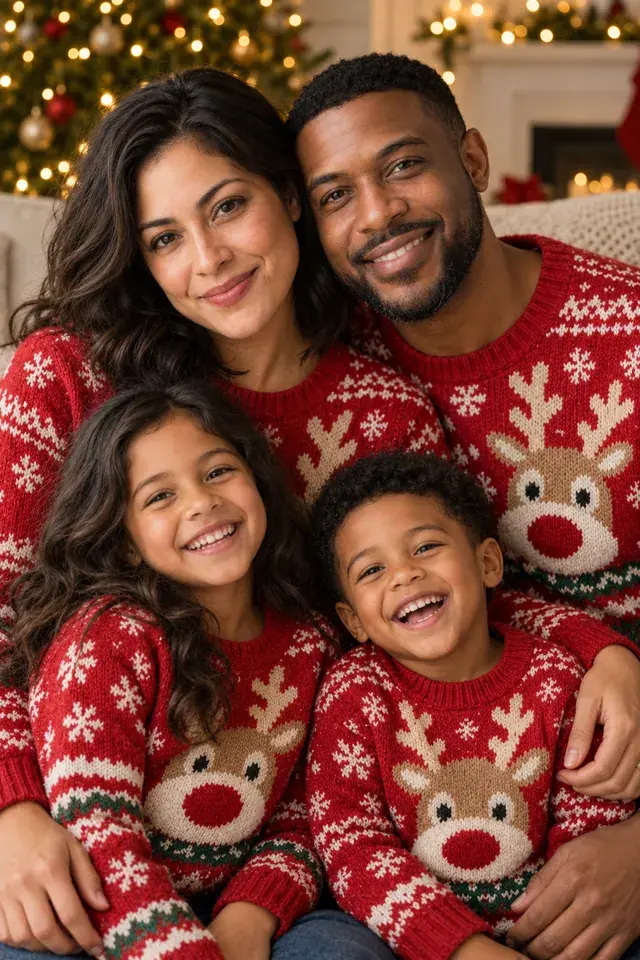
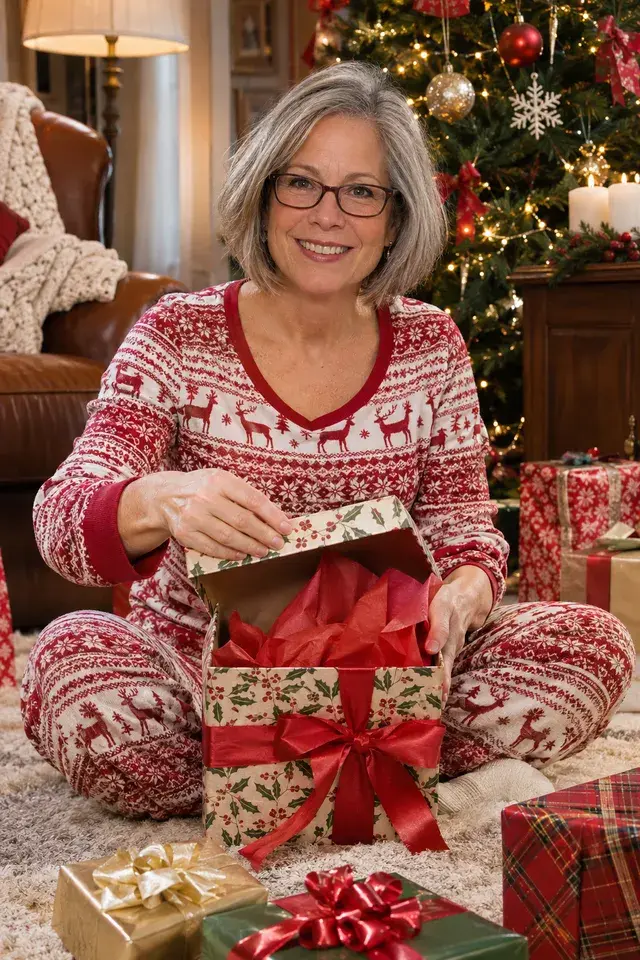
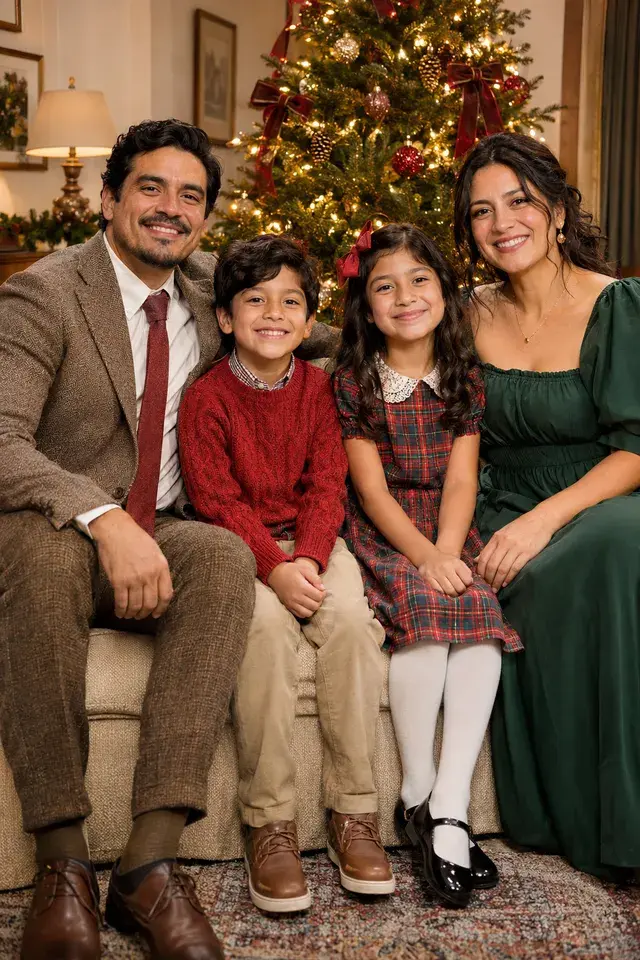
The classic shot in front of the tree, matching sweaters, or the dog front and center. Download the full-size photo for your cards.
Make yoursFirst photo free
How it works
- 1Add a selfieOne clear photo of each person. Pets too.
- 2Pick the scenesBy the fire, on the ice, at the market.
- 3DownloadFull-size photos, ready to share.
Questions
Can I use them on cards?
Yes. Download the full-size photo and add it to any card maker or print service.
How many people fit in one photo?
Up to six people, plus pets. The scene changes to fit: one person, a couple or a group.
How many photos of me do I need?
One clear photo of each face is enough. Adding a few more, from different angles, makes the match closer.
Is the first photo really free?
Yes. Every new account gets one free photo. It has a small PhotoFib watermark, and any purchase removes it.
What happens to the photos I upload?
They stay private to your account. One-off uploads are deleted after 30 days, saved people stay until you delete them, and deleting your account deletes everything.